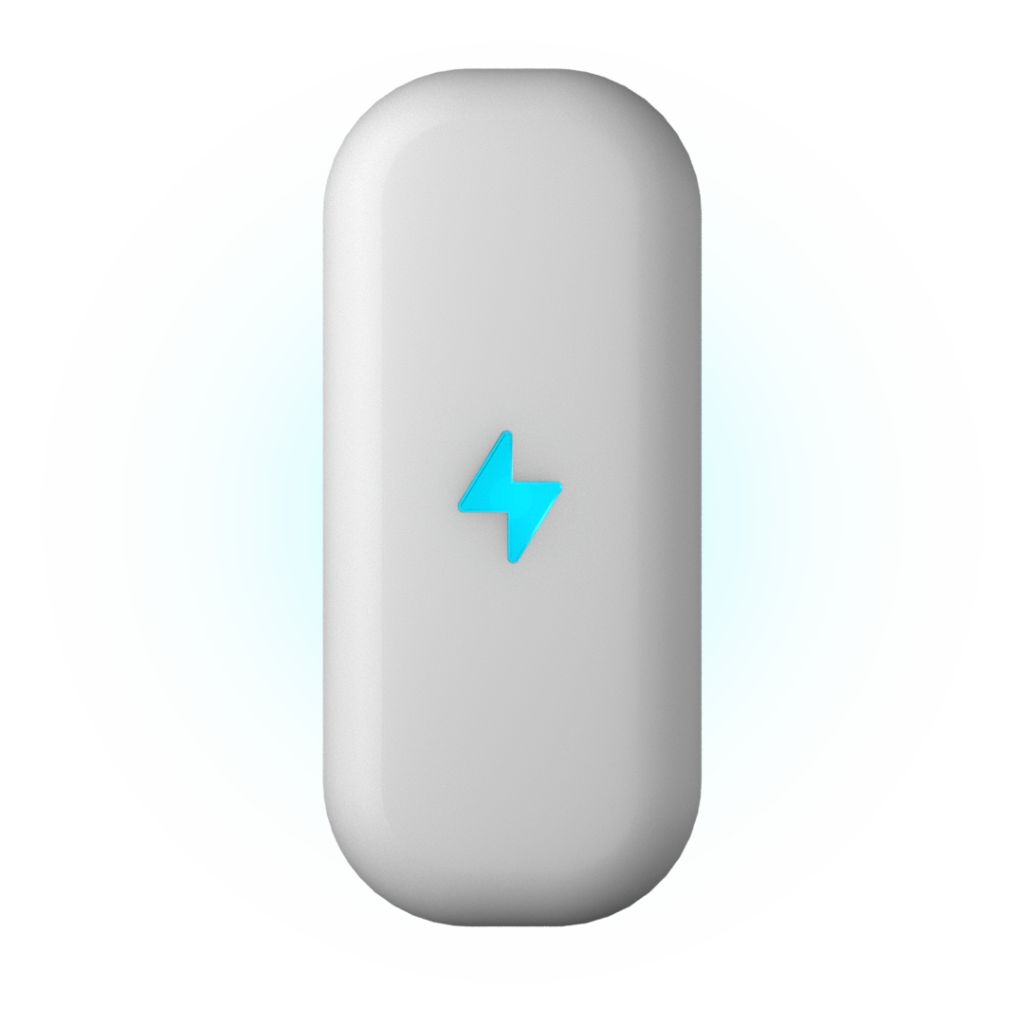
Power Hub – The heart of Smart Home
€39.90

Customer
benefit
Solar production in the Smart Home app
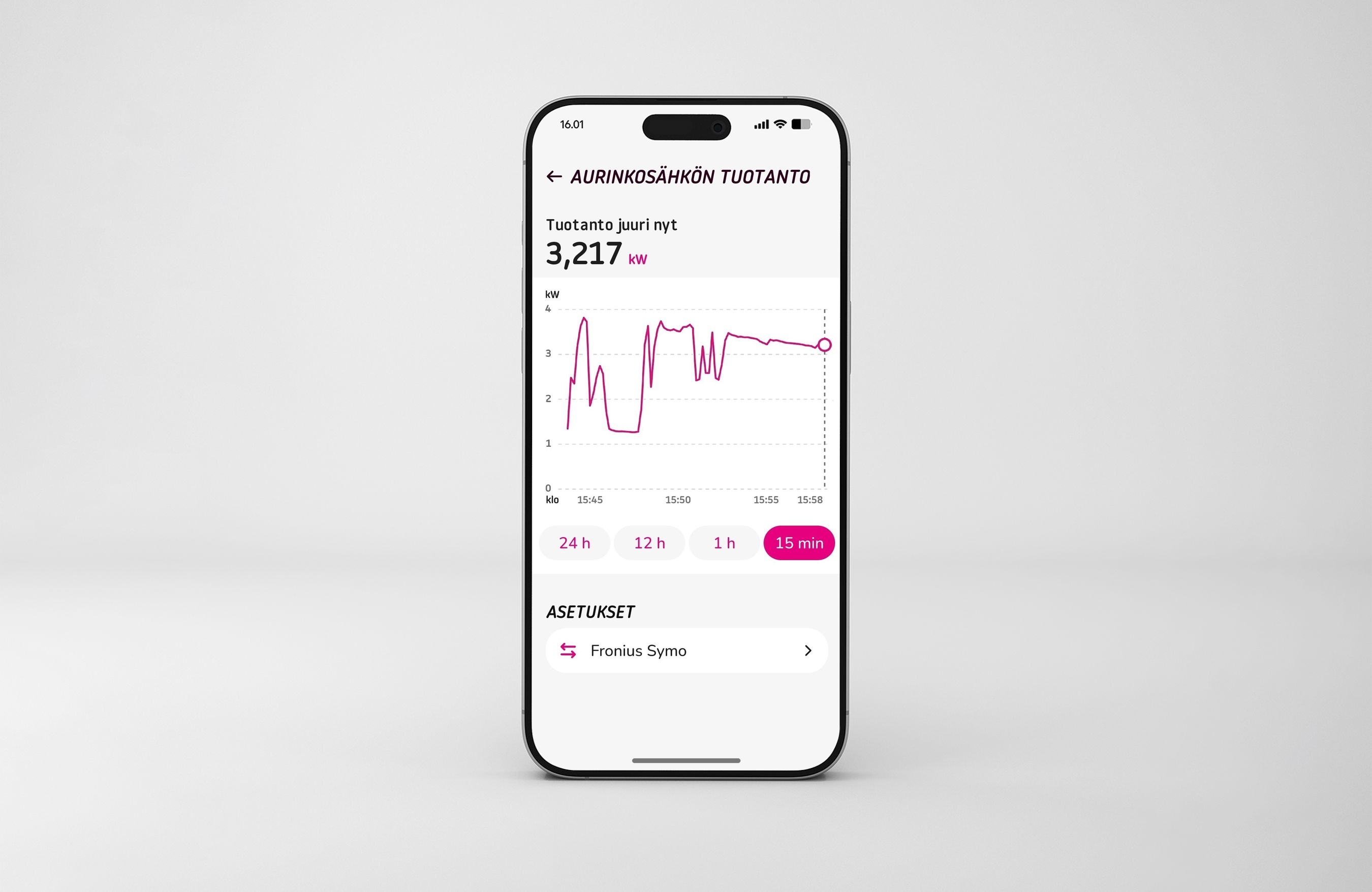
Connect your solar power system or photovoltaic (PV) system to the Vaasan Sähkö Smart Home app to monitor your solar production together with your home’s consumption data.
What is shown in the app?
Your Power Hub device reads the production data directly from your inverter and relays it to the Smart Home app. The app shows the following:
- Real-time production of the solar cells.
- Production history from the last 24 hours.
Setting up
1.
Check the connections
Ensure that your Power Hub is connected to the Smart Home app and the wifi.
2.
Activate Modbus*
Enable Modbus in your inverter settings. You may need to consult your electrician or the inverter manufacturer,
3.
Add inverter
Add your inverter under Devices in the Smart Home app.
supported inverters
Compatibility has been confirmed with inverters from the following manufacturers:
- Ferroamp
- Fronius
- SMA
- Sungrow
If your inverter is made by another manufacturer and supports both the Modbus* and SunSpec** standards, you can try connecting it to the Smart Home app manually. However, in that case, we cannot guarantee that all features will work.
We are continuously expanding the range of supported manufacturers.
*Modbus is a communications protocol that devices use to exchange information.
**SunSpec is a data transfer standard that helps different devices communicate with each other.
Frequently asked questions
Why can’t I see my solar power production data?
If you can’t see your solar power production data in the Smart Home app, make sure that…
- Your Power Hub is connected to your local network.
- Your inverter has been added in the Devices section of the app.
- The inverter and the Power Hub are connected to the same local network.
- The Modbus connection has been enabled in the inverter settings.
- Your inverter’s manufacturer is on the list of supported manufacturers. If you added the inverter manually, some data may not appear in the app.
My inverter is not on the list of supported manufacturers. Can I connect it to Smart Home?
You can try connecting it manually if the inverter supports the Modbus and SunSpec standards. However, compatibility has only been confirmed for inverters from supported manufacturers.
Can I control solar power production based on the price of electricity?
Not in the current version. This feature is planned, along with more extensive historical data and analytics.
Do I need an electrician to connect the inverter?
You do not need an electrician to connect the inverter because you add it to the app yourself. However, you may need help from an electrician or the inverter manufacturer to enable the Modbus connection.
More information
ORder Power Hub now
If you don’t have a Power Hub device, you can order it here.